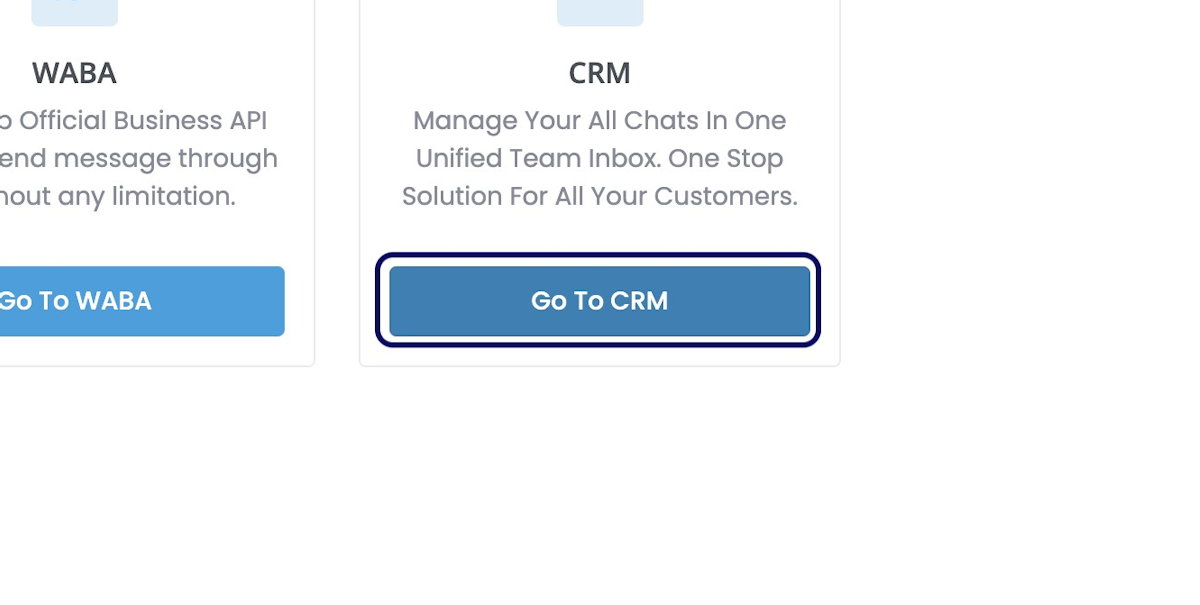
1. Click on Go To CRM
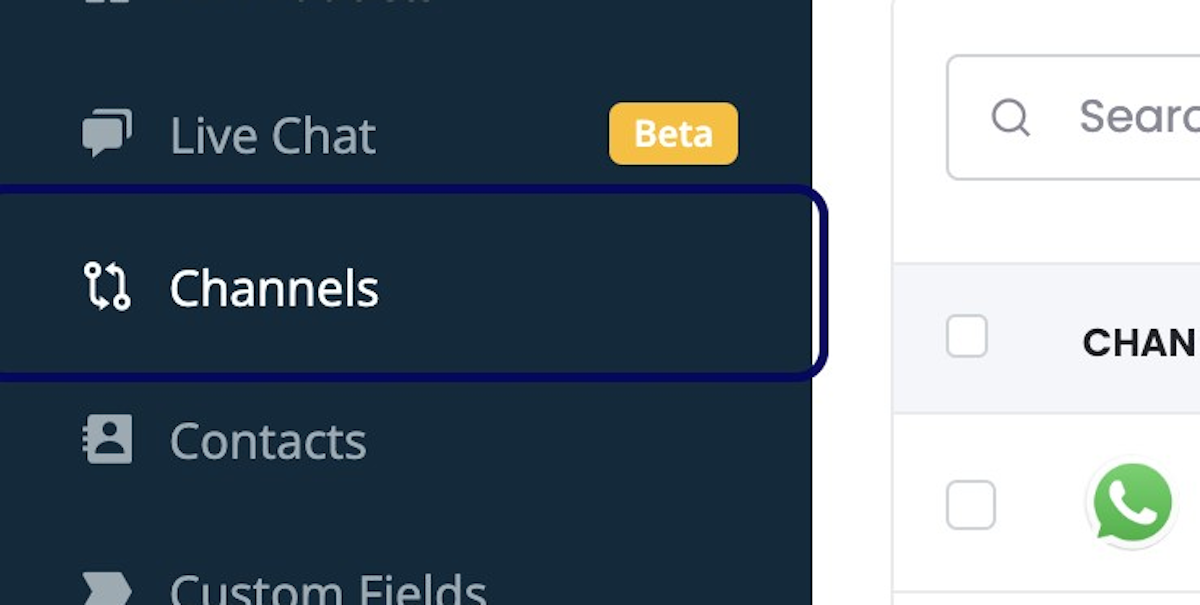
2. Click on Channels
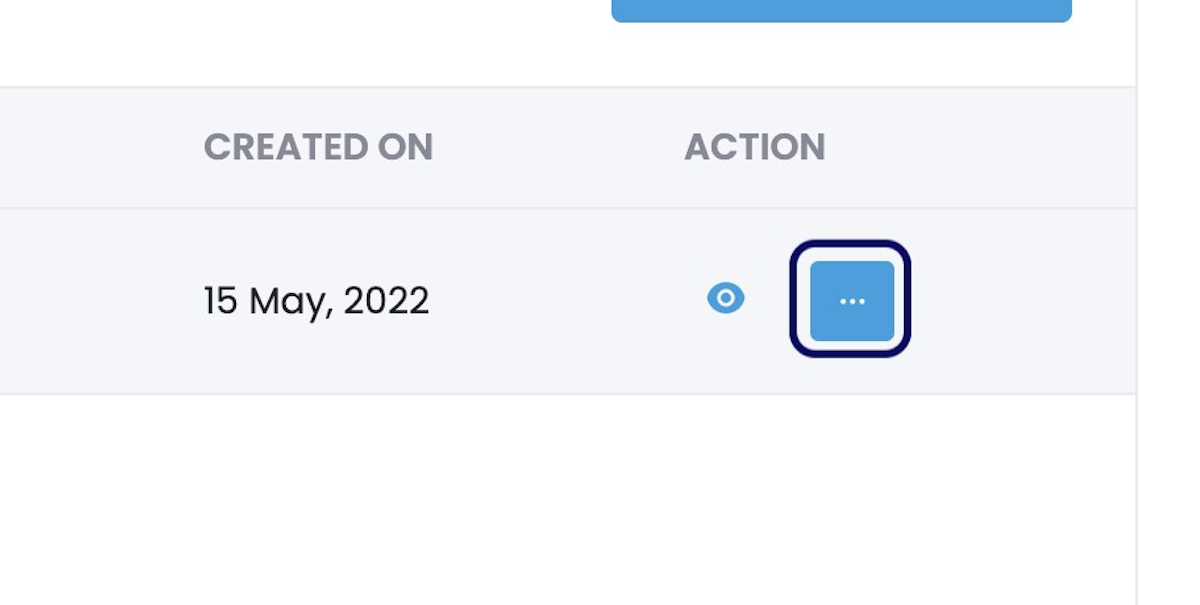
3. Click on Three Dots Beside Your Channel
4. Click on Sync WhatsApp Template

Read Other Blogs - view
4. Click on Sync WhatsApp Template
Read Other Blogs - view
Send personalised bulk message at scale and automation. Start 7 days free trial
Everything you need to know about WhatsApp marketing strategy from industry experts and fellow marketers
Loading...